Downloading and setting up Powershell empire
In this section, you'll learn how to download, install, and configure PowerShell Empire on a Linux machine, both via the command-line interface (CLI) and optionally through the Starkiller GUI, Empire’
📦 Requirements
- A Linux machine (Kali, Parrot OS, or Ubuntu 20.04+ recommended)
- Admin privileges (sudo)
- Internet access for dependency downloads
⇒ update the system first
sudo apt update && sudo apt upgrade -y
then use this command to clone the official github repo of powershell-empire (actually they forked from the original powershell-empire repo )
git clone --recursive https://github.com/BC-SECURITY/Empire.git
cd Empire/setup
⇒ install each of these scripts one by one
./cert.sh
./checkout-latest-tag.sh
./install.sh
⇒ now back to the empire root directory to install the server
cd ..
chmod +x ps-empire
./ps-empire install -y
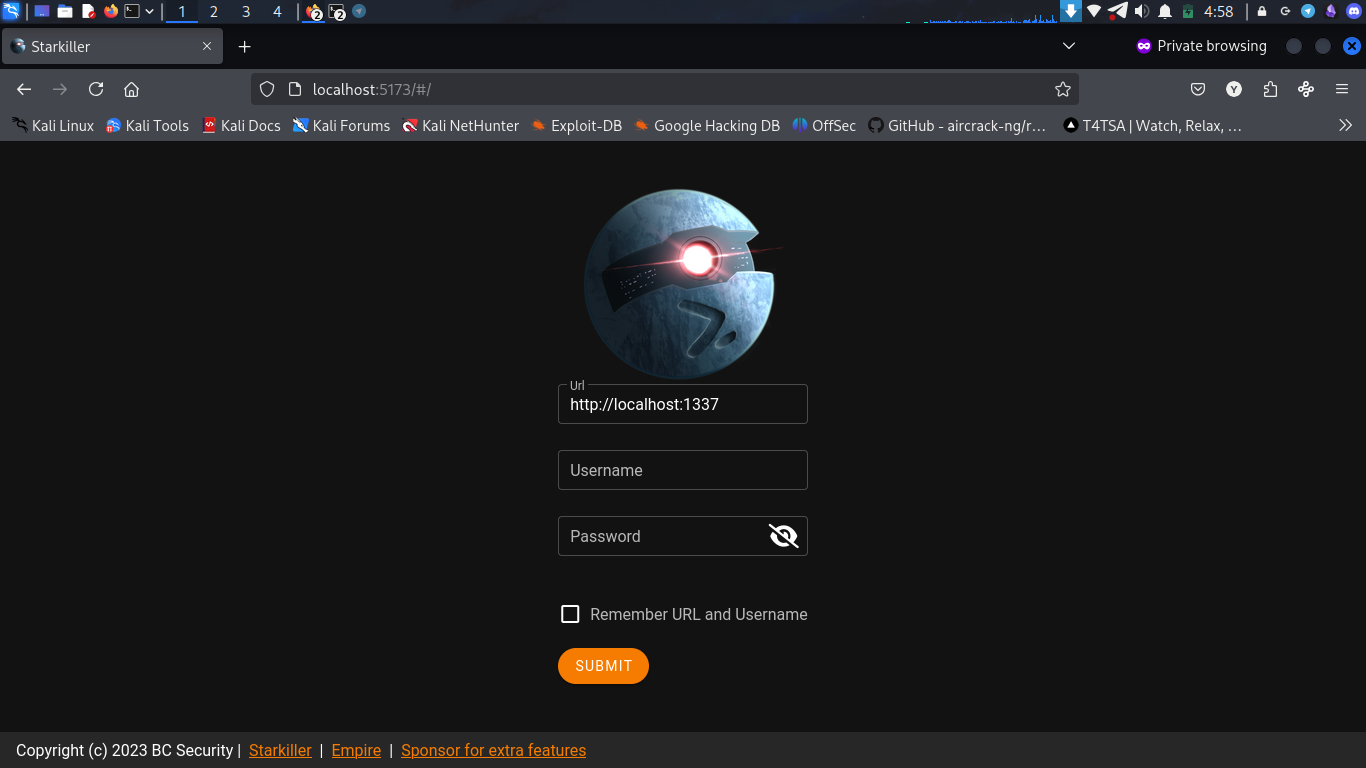
⇒ Now lets install our GUI which is starkiller also by Bc-Security
Starkiller is built with Node.js and uses React + Vite under the hood. When you clone the Starkiller repo, you're just grabbing a bunch of raw code. That code doesn’t magically run itself.
git clone https://github.com/BC-SECURITY/Starkiller.git

cd starkiller
Alright, now let’s get Yarn. Think of it like pip but faster and cleaner for JavaScript projects.
npm install -g yarn
⇒ so if u reached this stage you are ready to go for the next exploration of powershell-empire with its GUI.
cd /empire/
./ps-empire server
cd starkiller
yarn dev
Make sure you’re inside the correct directory before running anything.
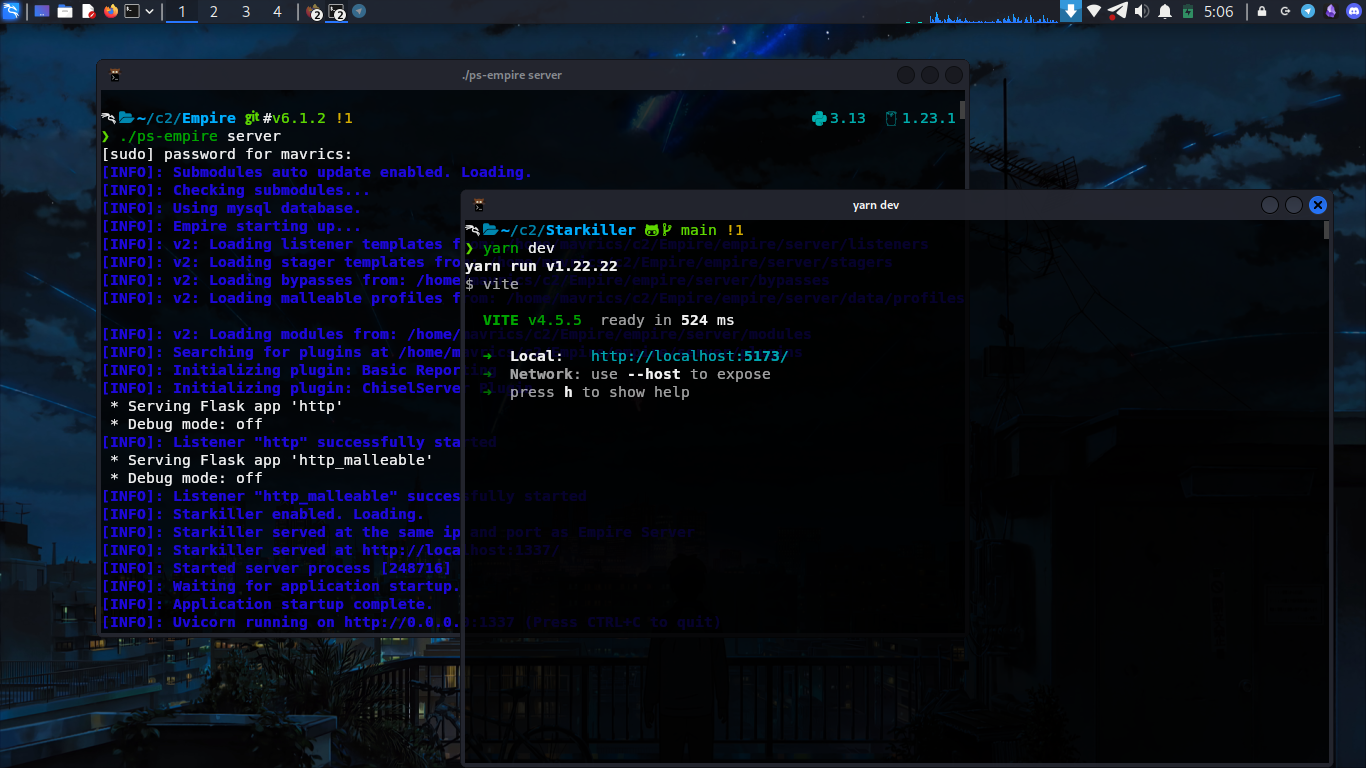
powershell-empire server and starkiller GUI